I'm Alex Kearney, I'm Science at the University of Alberta. I focus on Artificial Intelligence and Epistemology.
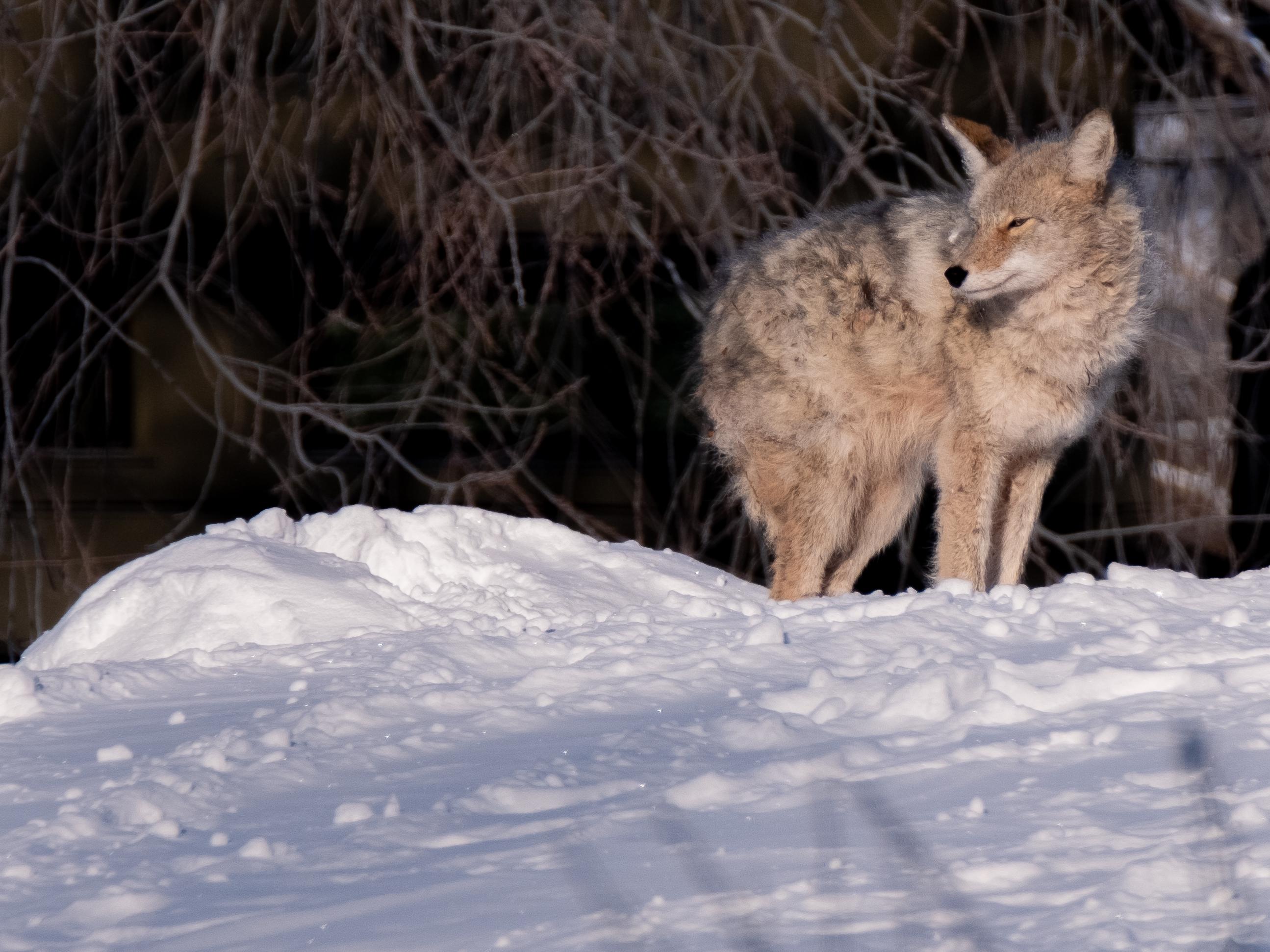
Today, while heading by the Belgravia elementary school, I found a Coyote perched on top of the tobogganing hill. It's pretty brazen for a coyote to be out in a public area like this. After getting spooked, it loped its way through the elementary school playground.
I've been debating whether to lug my camera around on the off-chance I happen to find something interesting when I'm out and about. This was reinforced by the near-miss I had yesterday with the great horned owl perched on my neigbour's garage.
I'd love to see the distribution of random seeds chosen for ML experiments. I bet 42 is over-represented.
Losing power during the winter is an eerie thing. Really reminds you how much our way of life depends on utilities.

A socially distant visit
closing tabs is self-care
Check what your key id is:
gpg --list-keys
The output will display: rsaXXXX/your_key_id_here
The key fingerprint will also be listed below.
Check a key fingerprint:
gpg --with-fingerprint <public_key.asc>
Let's say that you have a secret key on a card device (e.g., a yubikey) and you don't want it on the device anymore.
gpg --delete-secret-keys <key-id>
You can verify the key has been removed by running
gpg --card-status
which will display all the info about the card. Under general info sec# should now be listed instead of sec> this means that the secret key is now stored offline and not on the device.
If you're using MacOS, add this to your bash configuration, typically ~/.bash_profile.
# Restart the GPG agent
gpg-connect-agent KILLAGENT /bye
gpg-connect-agent /bye
gpg-connect-agent updatestartuptty /bye > /dev/null
# SSH authentication managed by GPG
if [ -S $(gpgconf --list-dirs agent-ssh-socket) ]; then
export SSH_AUTH_SOCK=$(gpgconf --list-dirs agent-ssh-socket)
else
echo "$(gpgconf --list-dirs agent-ssh-socket) doesn't exist. Is gpg-agent running ?"
fi