I'm Alex Kearney. I work on Artificial Intelligence and Epistemology.
I'm Alex Kearney. I work on Artificial Intelligence and Epistemology.
It's been 10 years since I've been to the Tate. The last time I visited was the beginning of a trip through London and Paris to visit the major galleries.
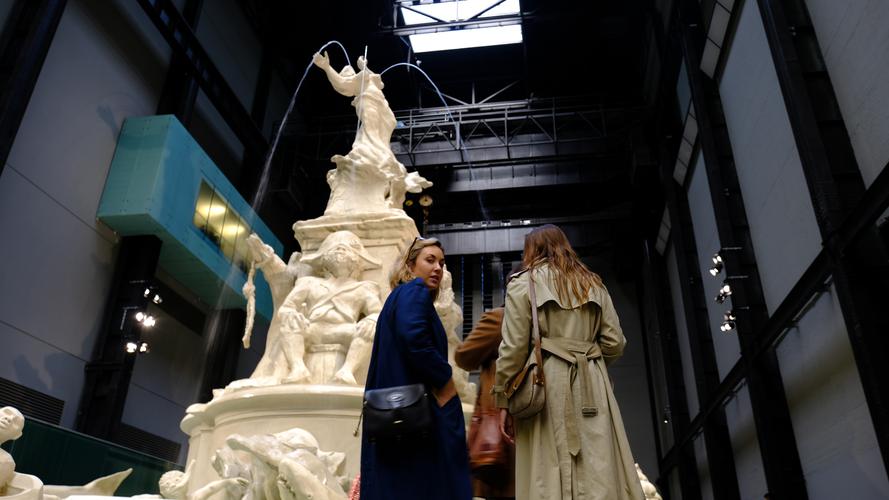
I remember seeing the turbine room when How It Is was on display: a massive empty container that swallowed the light up as you walked inside.
My first visit to the Tate was also my first introduction to modern art. Now I'm visiting on a stop-over.
Here are the four exhibitions that struck me most:
A retrospective of Panayiotis Vassilakis' work. Many of Takis' pieces made tangible the invisible electromagnetic forces around us. Impossibly large pieces---likely made of lighter materials---brought from their resting position to hover next to a large magnet.
In the exhibition they also had a number of Takis' notebooks, where he had engineering drawings and plans for sculptures. Curator notes had quotes where Takis discussed the interdisciplinary nature of Art and it's relation to engineering and sciences. You can feel that sentiment in his work. Early pieces used aeronautical instruments salvaged from WWII aircraft, taking functional technical gauges and repurposing them for sculpture. Some of his later pieces were simple enough to be made commercially available.
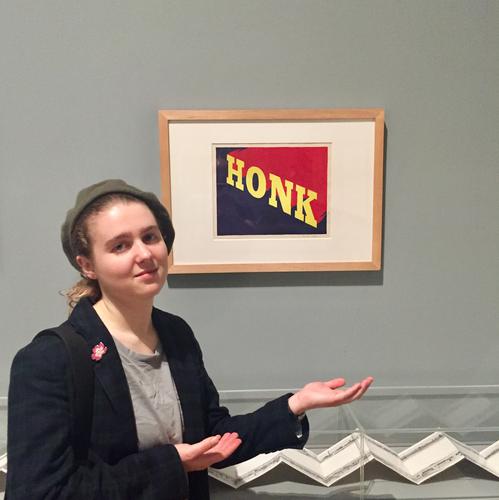
Ed Ruscha is an artist that started their in design. Many of their pieces are serious, visually appealing paintings, with weird mish-mashes of slogans typeset on top: bliss bucket.
Turning around the corner to enter the main exhibit, I was caught by a beautiful Rocky Mountain sunset with exaggerated blues and deep contrasting colours interrupted by typesetting over top: PAY NOTHING UNTIL APRIL. Every time Dylan and I re-entered the main room from one of the peripheral displays, I had to laugh.
One of the quieter exhibitions was Naoya Hatakeyama's cityscape photos of Japan. Naoya layers paper prints and transparencies over a lightbox. The resulting photos are scaled-down intimate photos of urban environments that seem to twinkle.
Dylan recently watched a documentary on Olafur Eliasson's work, and was taken with the mono-frequency light installations he did. While we were on our way to the Tate's rooftop lookout, we decided to take the elevators: a largely unused space. Once the elevator doors closed, and the outside light was shut out, the colour was sapped from the room by the yellow mono-frequency light. The elevators---a space you only use to get from one place to the other---was turned into an installation.
Serendipity.
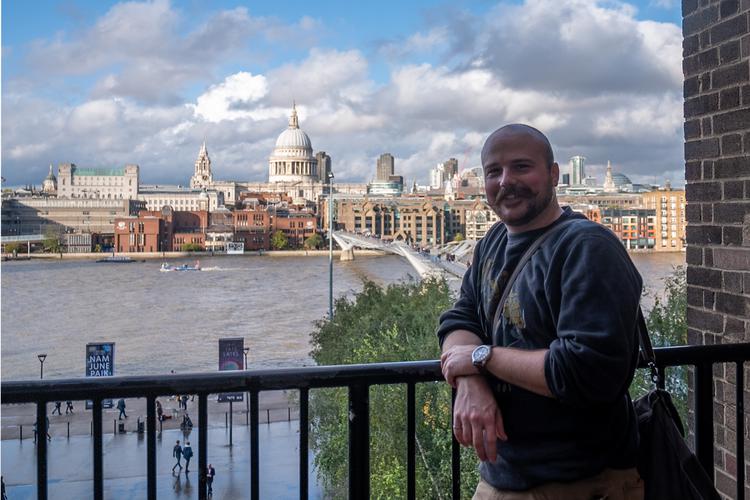
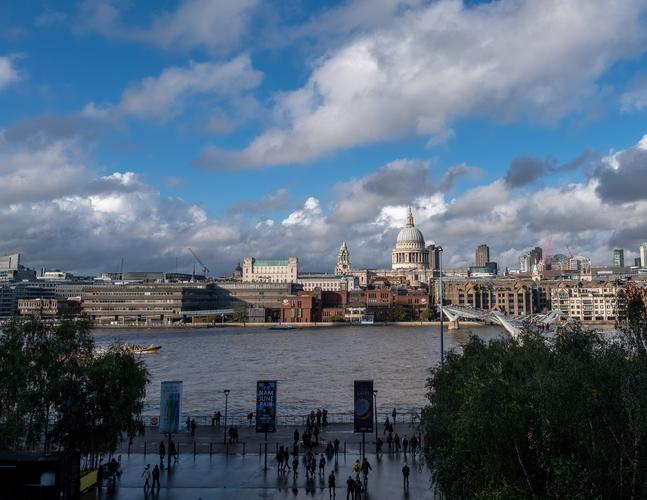
En route to Porto via London
Edmonton International Airport → Vancouver International Airport → Gatwick Airport
I recently tried using ipython notebook in a pipenv shell and realized that all of my imports were missing. This is because the the kernel selected is wrong.
In your project directory run:
pipenv install ipykernel
pipenv shell
When you start your pipenv, you'll see a shell name in your terminal like (my-virtualenv-name) bash-4.4$. You need to add that to the kernel list in jupyter notebook. Do that by running:
python -m ipykernel install --user --name=my-virtualenv-name
Restart your jupyter and go to your notebook. In the Kernel>Change Kernel menu, you should now see your pipenv in the list under my-virtualenv-name.
Select that and you're good to go!
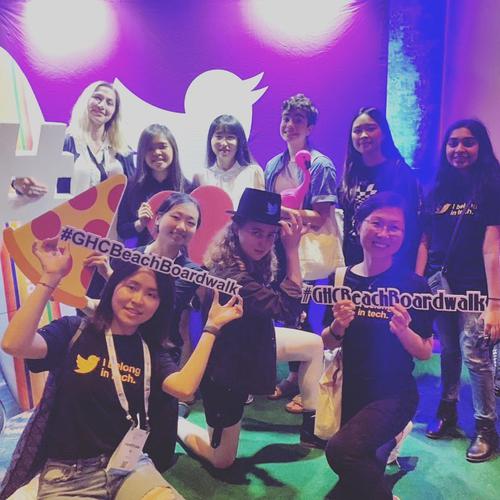
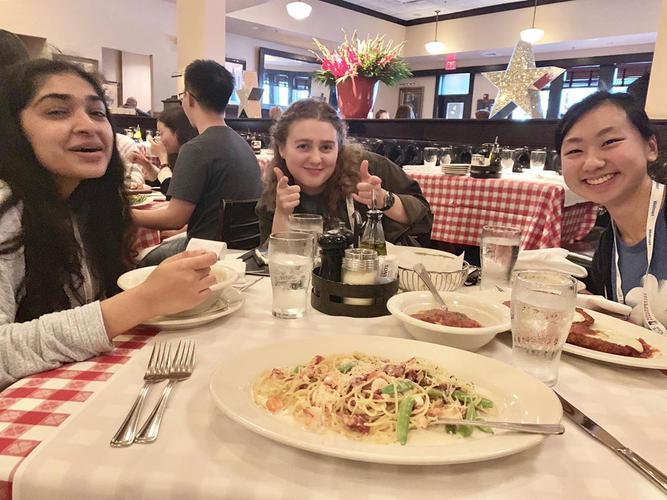
The @tern gang at #ghcbeachboardwalk. I had a blast meeting all these cool folks at #ghc19 this year. Can’t wait to see what sort of shenanigans they get up to in the future. #sheinspires